

slipway.yaml references a private image — via services.*.image or via a base image in a private registry — slipway needs credentials to pull it. Configure them once at the org level; no per-service config is required.
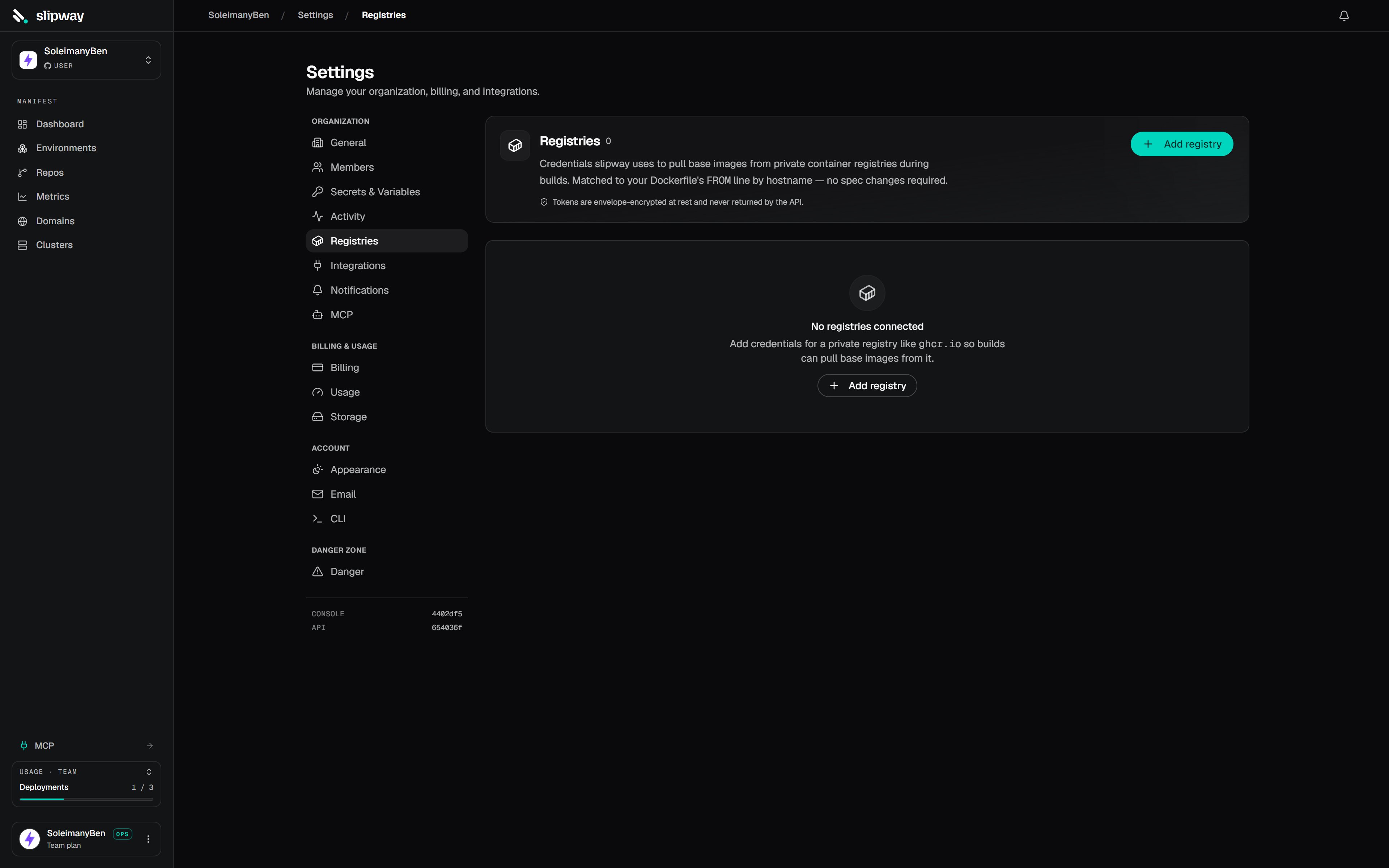
Settings → Registries stores credentials for private container registries used across the org.
Add a registry
Open Settings → Registries, click Add registry, and enter the host, username, and password (or token). Slipway stores the credentials encrypted, alongside the org’s other secrets.How they’re used
At deploy time, slipway wires every registry you’ve configured into both the build and the running container, so private base images and prebuilt private images both pull cleanly. The deploy emits aregistries_resolved event with the list of hosts wired up for that run.
Common registries
Amazon ECR tokens expire every 12 hours, so a stored
get-login-password value needs rotating twice a day — GHCR and Docker Hub avoid that with long-lived credentials.