

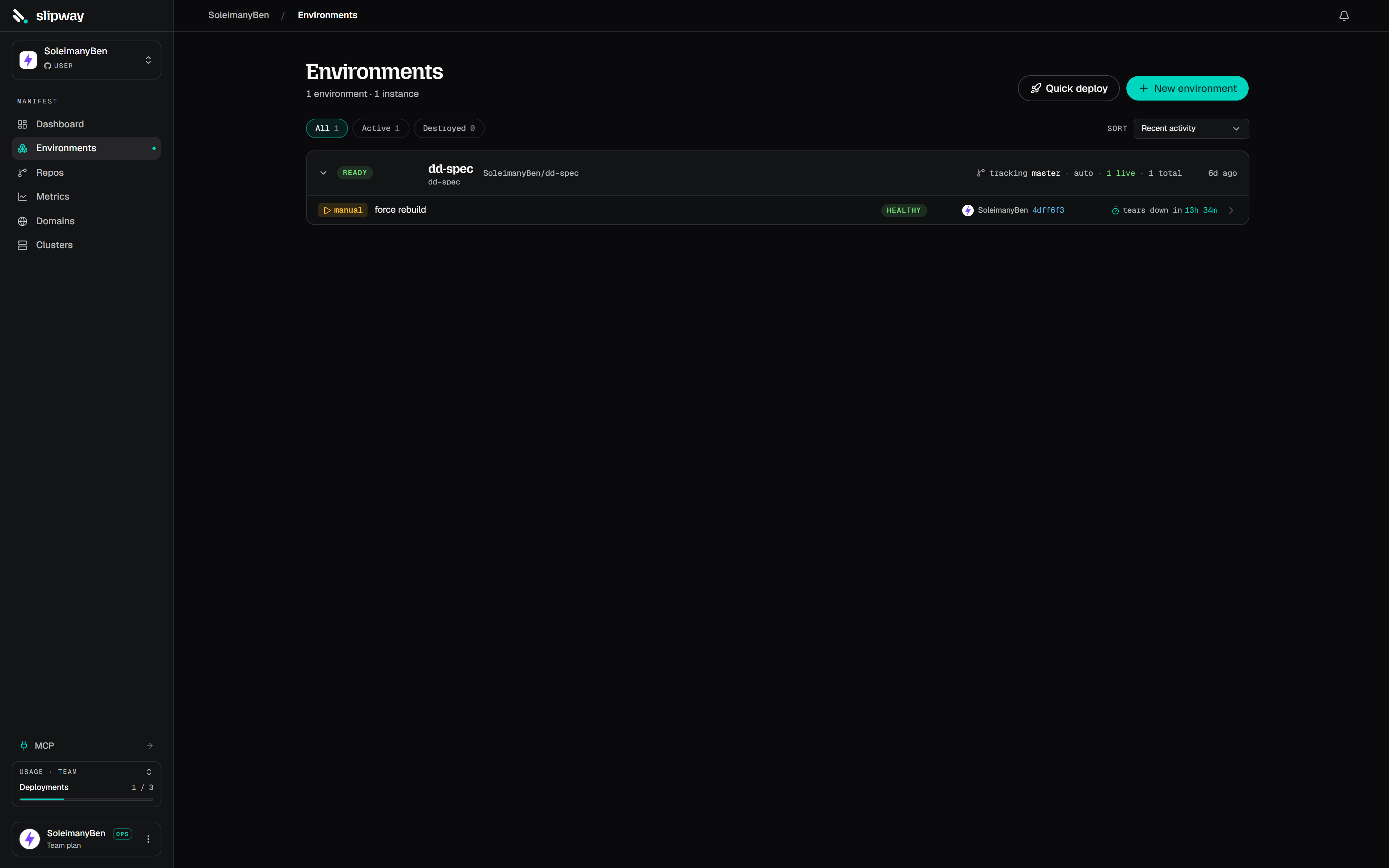
The Environments page lists every environment with its status and components.
Base and instances
An environment has a long-lived definition (which repos take part and what ref each tracks) and one or more instances spawned from it:
The definition describes what the stack looks like; each PR or button press gets its own instance from that definition.
Building one
The quickest route is Deploy a repo (dashboard or Repos page): pick a repository, keep the default branch, hit Deploy. It creates a single-component environment with the permanent deployment on and auto-deploy on push, and lands you on the live build. The panel shows which spec file the deploy reads (a committedslipway.yaml, a docker-compose file converted on each deploy, or a slipway-managed spec). If the repo has more than one candidate — say a slipway.yaml plus a docker-compose.yml, or several compose files — a picker lets you choose, and the environment keeps deploying from the file you picked.
On plans without always-on instances, the same button still works — the deploy comes up as a disposable instance that tears down after your plan’s preview lifetime instead of a permanent one. The page tells you the lifetime before you deploy, and you can deploy a fresh copy from the environment page any time.
For multi-repo or PR-only setups, open Environments → New environment and:
- Add components. Pick the repos that take part. Each tracks
branch:mainby default; change the ref (branch, tag, or commit) per component. You can turn individual services off for a component, and set a per-component spec path for monorepos (e.g.apps/api/slipway.yaml). - Name it. The name and slug (immutable) identify the environment. Pick which domain its URLs sit under.
- Set variables & secrets that should apply to this environment (these override org-scoped values). See Secrets & variables.
- Create & deploy. New environments default to deploying their permanent deployment as soon as they’re created. Untick either box on the Settings step for a definition-only environment that runs nothing until a PR opens.
main environment → a develop one, say). Secret values aren’t copied; re-enter them in the clone before its first deploy.
When to disable the primary instance
The primary is the environment’s always-on instance at its tracked refs: a stable URL, no TTL, and — unlike everything else on slipway — it never sleeps. It holds its pods around the clock, so the first visitor is as fast as the thousandth. Turn it off for a pure PR-preview workflow, where nothing runs between PRs. Auto-deploy on push is separate and per component: an environment created from Deploy a repo has it on; components added through the composer default it off, so a deploy stays pinned at its commit until you opt in or redeploy by hand.Always-on instances are plan-capped, and they come out of your concurrent instance pool rather than sitting on top of it — a primary holds one of your slots for as long as it lives, exactly like a preview does. Plans with a cap of zero have no primary at all: their work runs as PR previews and manual instances, which sleep when idle and expire. Settings → Billing shows how many you have and how many you’ve used.
Talking between services
Every component of an instance runs on one shared private network, so any service can reach a sibling — even one from another repo — by its bare name (http://api). For this to be unambiguous, service names must be unique across the environment: two components can’t both expose a service called api. A collision fails the deploy with a clear error.
For explicit wiring, reference a sibling with ${service.<name>.<field>} in env: or build.args:. You choose the variable name; slipway fills in the value at deploy time:
A reference resolves against any service in the same deployment, and — inside an environment — any service in a sibling component. If a cross-component peer hasn’t had a healthy deploy yet, the reference fails with
unknown; redeploy once the peer is up.
Public URLs
Public services are served at:env-name— the environment’s slug (for a PR or dev instance, the parent’s slug, so hosts stay short).service— the service name (or aprefix:you set on the port).id— a short, stable identifier for the instance. Every service in one instance shares it, and it survives redeploys; different instances (PR #21 vs #22) differ by it.
Preview authentication
Public URLs are open by default. The environment’s Preview auth tab gates every public service of every instance — the permanent deployment and each PR preview — behind one or more sign-in methods:
Changes apply to live instances immediately, no redeploy. An individual instance can override the policy from its own Auth tab (force it on for a demo lockdown, or off to share one preview publicly).
Protected services. Each public service gets its own switch on the Preview auth tab. Switch one off to leave its URL open while the rest of the environment stays gated — for an API that carries its own auth, or one that takes third-party traffic like webhooks or a mobile app. An open service handles its own CORS. An instance’s Auth tab carries the same switches as an override: flip a service there to diverge from the environment’s list for that instance only, and reset to fall back to inheriting it.
Calling a protected sibling from the browser. Signing in on any protected host also signs you in to the instance’s other protected hosts, and slipway answers CORS for requests between them — so a page on
web can fetch from api while both are gated. Two things your frontend must do, because the calls are cross-origin:
http://api style internal names only work server-side — browser code must use the sibling’s public URL (${service.api.public_url}).
Deploy now on an environment’s page spawns a manual instance — a fresh, disposable copy with every component at the latest commit of its tracked ref, in its own isolated instance with its own URLs. It’s the quickest way to see a definition-only environment running without opening a PR. Each press makes a new one; each consumes one concurrent-deployment slot and expires on a TTL (the clock starts at healthy). Use the instance’s Deploy latest to bring it up to the newest commits — before you confirm it shows exactly what each tracked ref would move to and which variables and secrets have changed since it was deployed (variables show old → new; secret values are write-only, so a rotation shows as “rotated”), or tells you there’s nothing to deploy.