

When a deployment is healthy, you can shell directly into any of its containers from the slipway UI. NoDocumentation Index
Fetch the complete documentation index at: https://docs.slipway.sh/llms.txt
Use this file to discover all available pages before exploring further.
kubectl, no tenant kubeconfig — just a button on the deployment page.
Opening a shell
The deployment detail page has a Shell tab alongside Overview, Logs, and Events.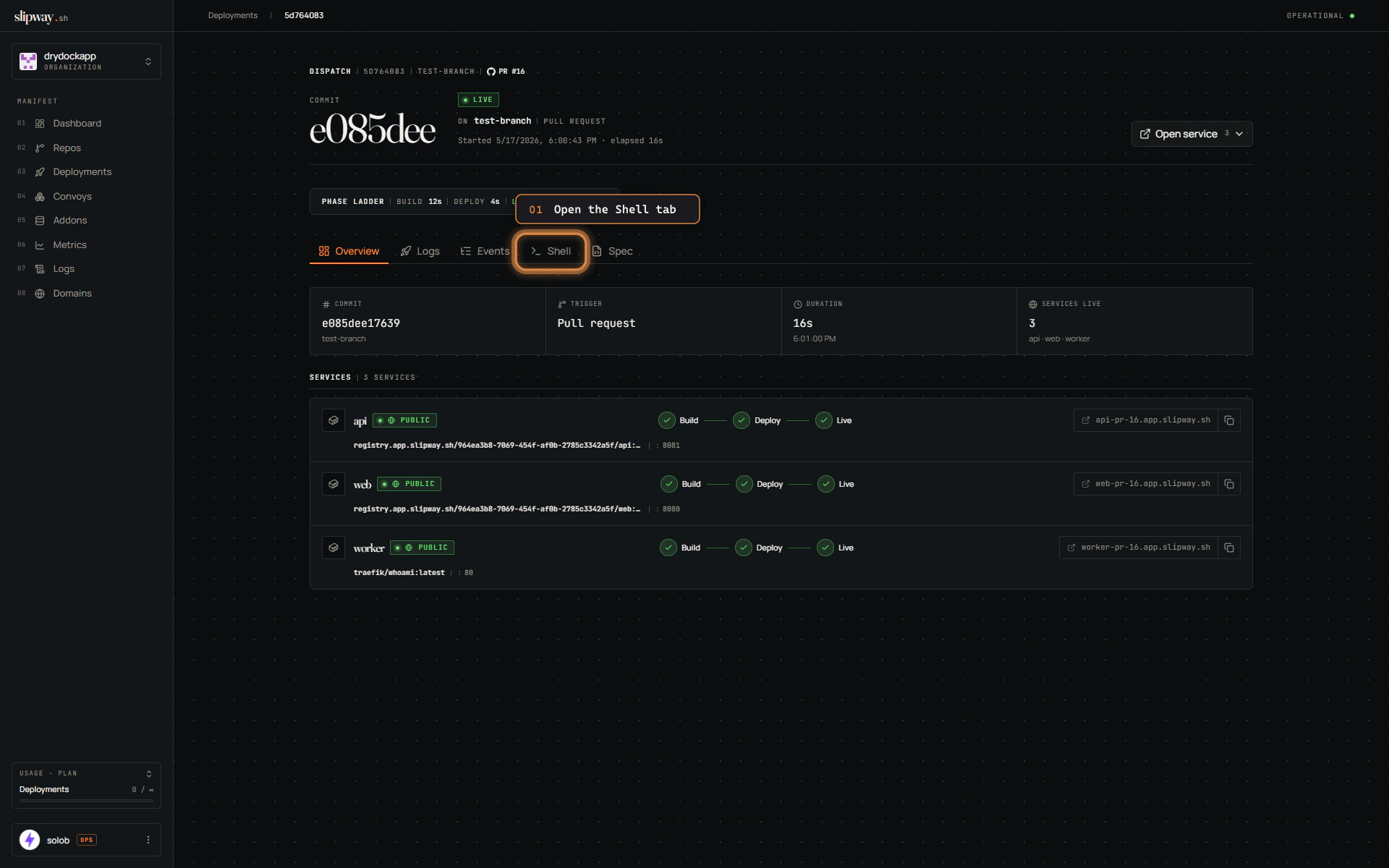
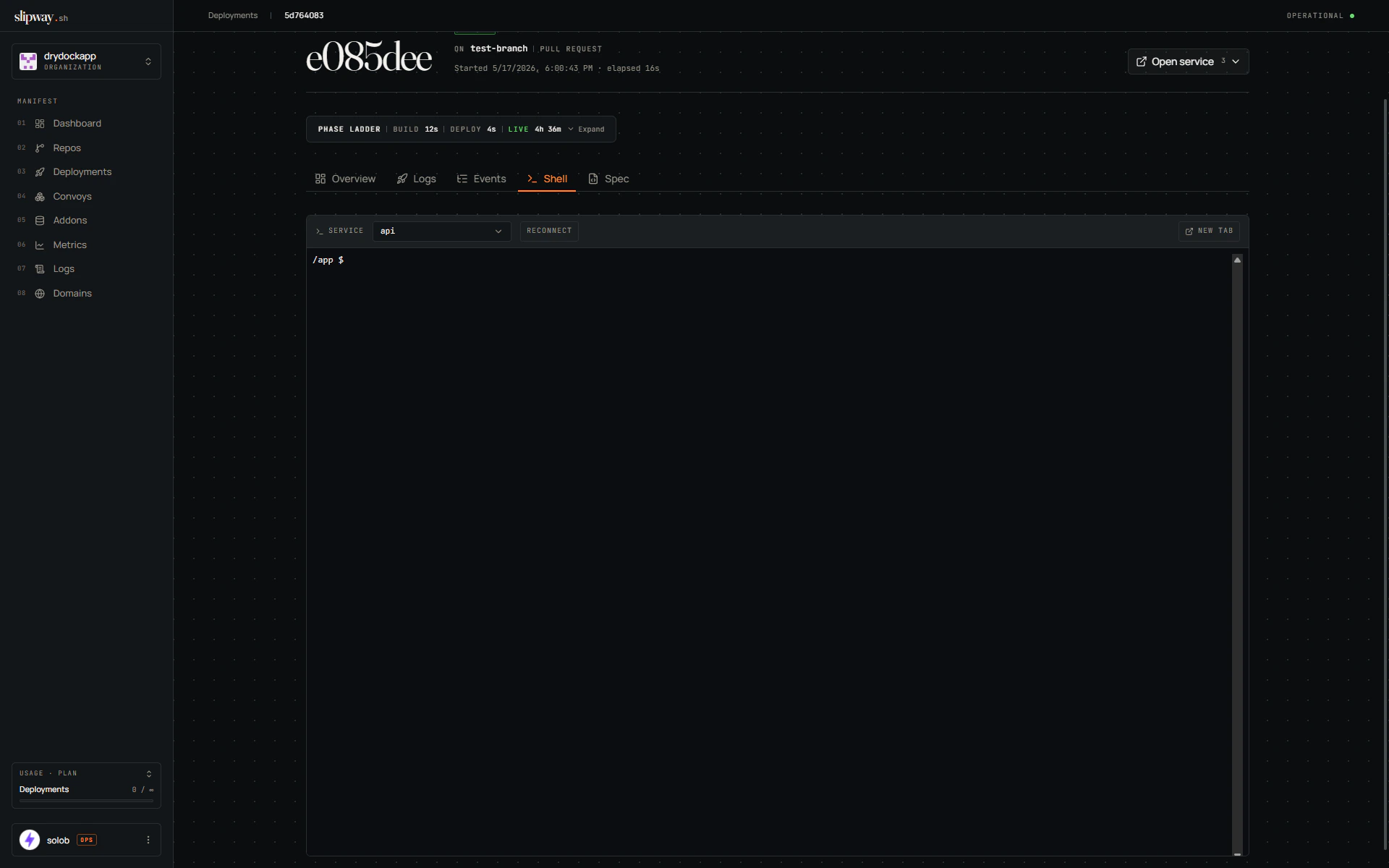
Picking a service
The Service dropdown lists every service in the deployment. Pick another one and the terminal reconnects to that service’s running container.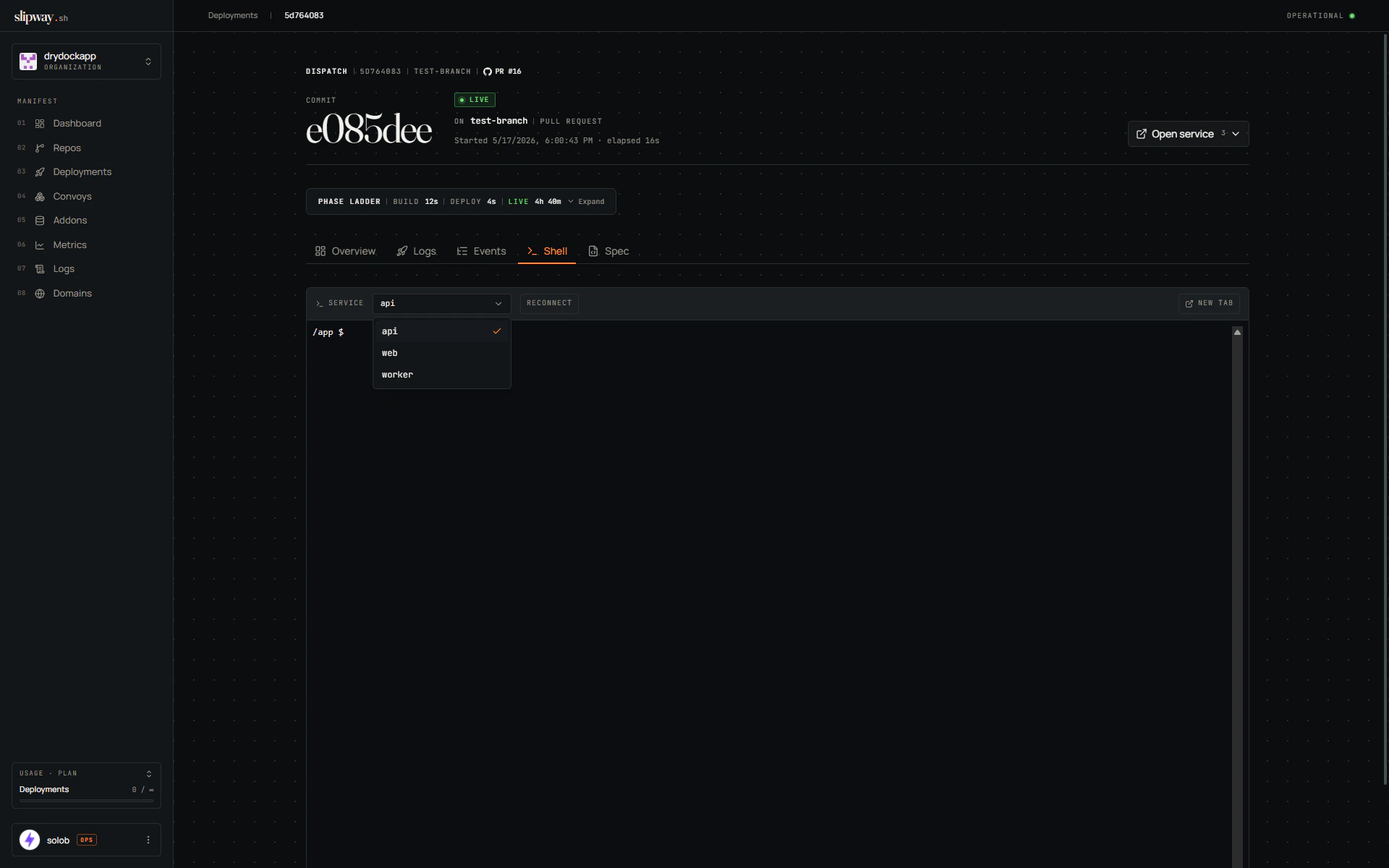
/deployments/<id>/shell/<service> as a dedicated full-viewport terminal.
The terminal supports everything you’d expect from a real PTY: arrow keys, tab completion, full-screen TUIs (top, htop, vim), color, and SIGWINCH propagation when you resize the window.
When the tab is usable
The Shell tab only opens a session while the deployment status is healthy. Earlier in the lifecycle (queued, building, releasing, deploying) there is no running pod to attach to; once the deployment reaches a terminal state (failed, cancelled, superseded) the tenant namespace has been torn down. The tab renders a status message in either case.
Which shell runs
slipway tries/bin/sh, then /bin/bash, then /bin/ash — in that order — and uses the first one that exists in your container’s image. Most images have at least one of these. Fully distroless images won’t work — there’s no shell to exec.
If you need a richer environment, install a shell into your image (apk add bash, apt-get install -y bash, etc.) or build a debug variant of the image.
Permissions
Anyone with the Developer role or higher on the org can open a shell — the same threshold used for log streaming. Since a shell gives full read/write access to the running container (including any mounted env vars and secrets), every session is recorded in the organization activity log with the user, service, and deployment.Caveats
- Multiple replicas. If the service has more than one pod running, slipway exec’s into the first one in the Running phase. There is no per-pod selector yet.
- Long-lived sessions. The session ends when you close the dialog (or the tab) or when the pod itself dies — for example because a new deployment supersedes the one you were shelling into.
- Container image changes. Anything you install during the session lives only in that pod’s writable layer. The next pod restart starts from the original image.