

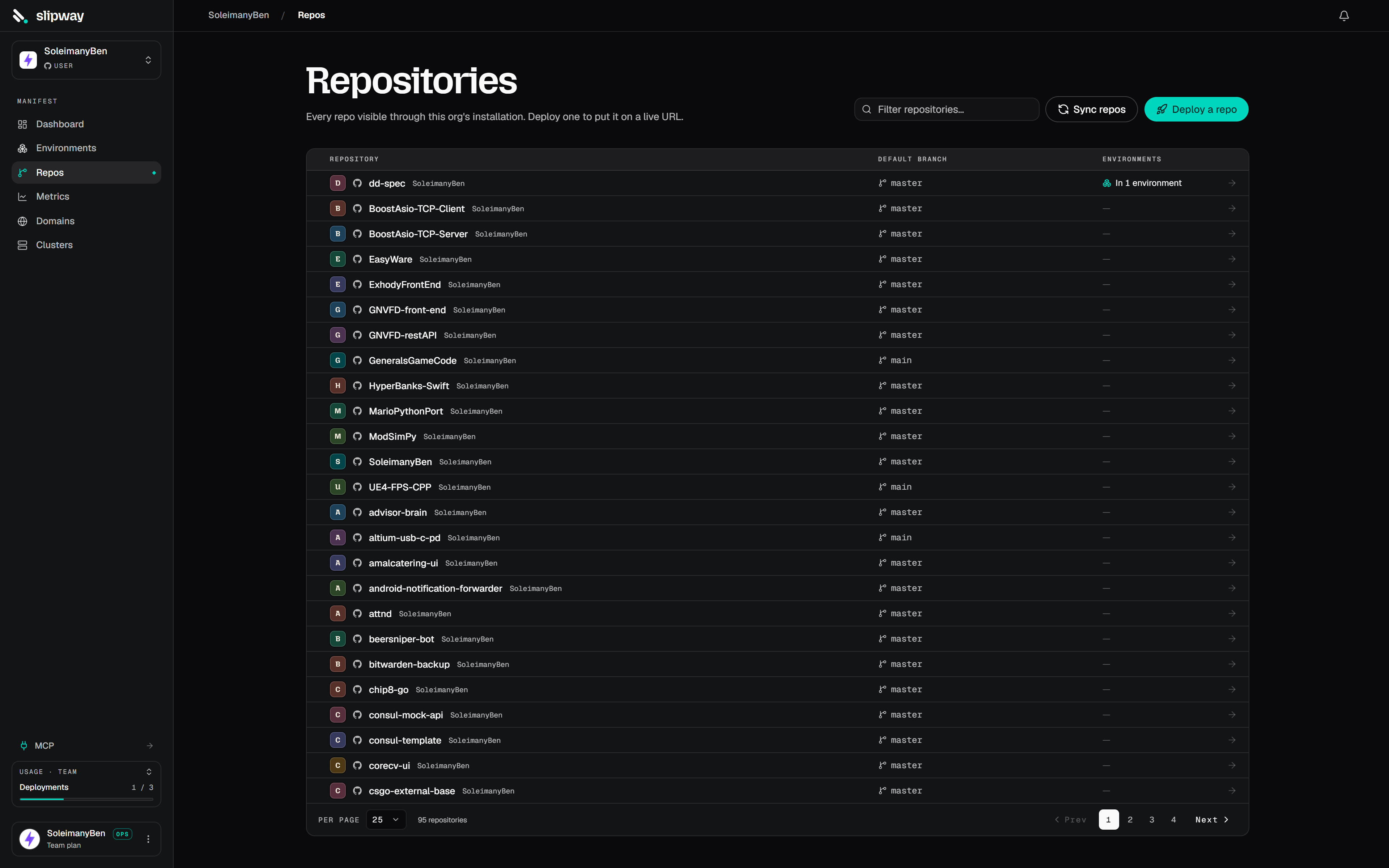
The Repos page lists every repo your installation can see, with enabled/available filters.
Deploying a repo
A repo starts deploying once it’s part of an environment. On the repo’s page, click Add to an environment — the composer opens with the repo already added; name the environment and create it. Slipway validatesslipway.yaml along the way, so a missing or invalid spec is caught up front. From then on, pull requests build previews automatically, and you can deploy the default branch from the environment.
Repos you didn’t grant during install are invisible to slipway; if you grant more later, slipway picks them up automatically (or force it with Settings → Integrations → Sync repos).
Manual deploys and pushes are scoped to the default branch by design — feature-branch previews happen through pull requests.
PR comments
On by default. Slipway keeps a single comment in the PR thread, edited in place across commits so you never get a wall of them:- 🔁 Rebuilding — a new commit landed; the old URL stays until the new build cuts over.
- ✅ Live — healthy, with the URL and commit.
- ❌ Failed — with the reason.
- 🗑 Torn down — the PR closed and the preview was removed.
- 🗑 Destroyed — the preview was destroyed from the console while the PR was open. The comment links back to the deployment page, where it can be recreated for as long as the PR stays open.
Commit checks
Alongside the comment, every push to the default branch and every PR deploy reports a slipway check straight on the commit — a check run on GitHub, a commit status on GitLab. It shows in the PR’s checks list and next to the commit:- Yellow while the build and deploy are running (click Details to watch it live).
- Green when it’s healthy, listing the public URLs.
- Red when the build or deploy fails, with the reason.
- Grey if a newer commit superseded it before it finished.